Private files for small teams.
Share folders with the people you work with, the way you already do. Everything is locked on your devices first, so nobody outside the team can open it. That includes us.
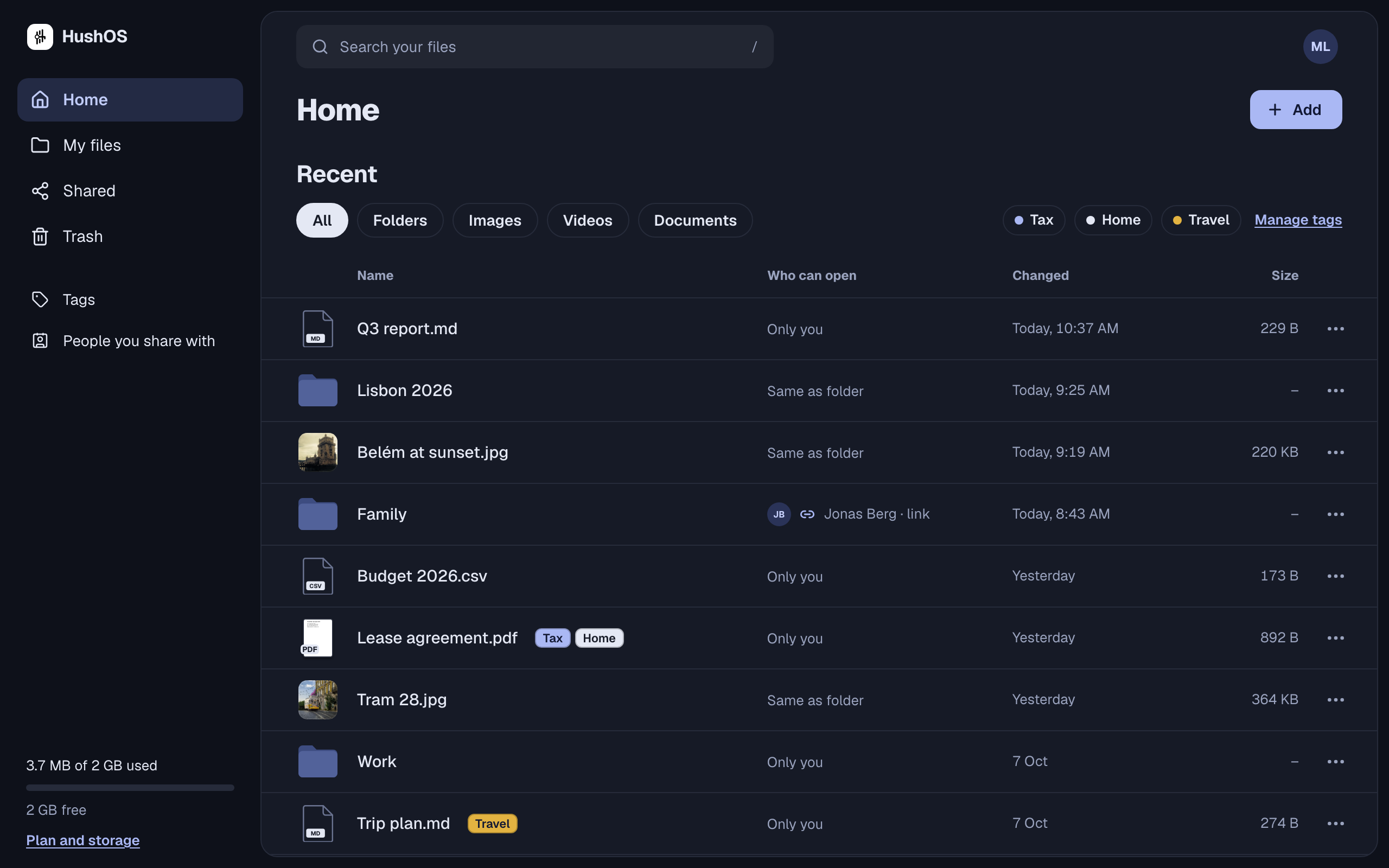
What your team can do today
Share a folder, choose what each person can do
Add a colleague to a folder as someone who can view or someone who can edit. What an editor uploads counts against the owner’s space.
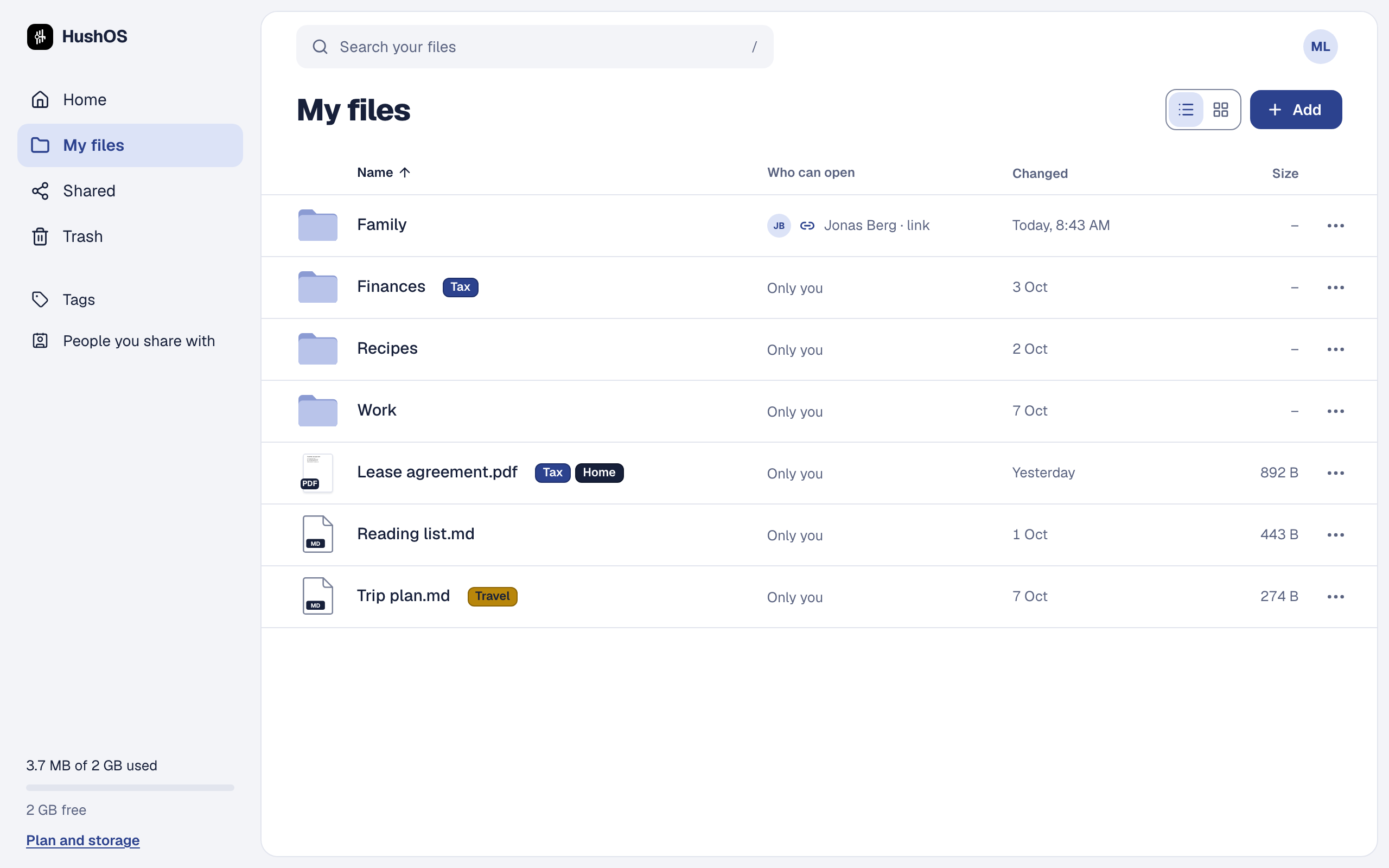
See who can open everything
Every file and folder in the list says who can open it. A link anyone can open is marked with the blue link icon, so it never hides.
Links for clients and suppliers
Send a link to someone without an account. Add a password or an end date, see how often it was opened, and turn it off when the job is done.
Stop sharing, and mean it
When someone leaves, stop sharing with them. They’re refused on their next request, and the folder’s keys change, so nothing new opens for them. What they already downloaded stays with them.
Kept in the EU
The service we run keeps its servers and your files in the European Union.
Or run it on your own server
HushOS is open source. Run your own copy for the whole team, free, with as much space as your server has.
Try it: who can open?
- Sam
- Priya
- Jonas
- Anyone with the link
What HushOS does
Only you can open this folder. Share it with someone, or make a link, to see what changes.
A demo with made-up people. Nothing here is saved or sent.
Coming soon
These are planned, not for sale. If your team needs one of them, tell us; it helps us decide what comes first.
- A team plan with one bill for everyone
- Folders that belong to the team, not to whoever made them
- Adding and removing people from one place
- Desktop apps
Tell us about your team.
How many people, what you keep, and what you use now. We’ll write back when the team plan is ready.
Compare plans