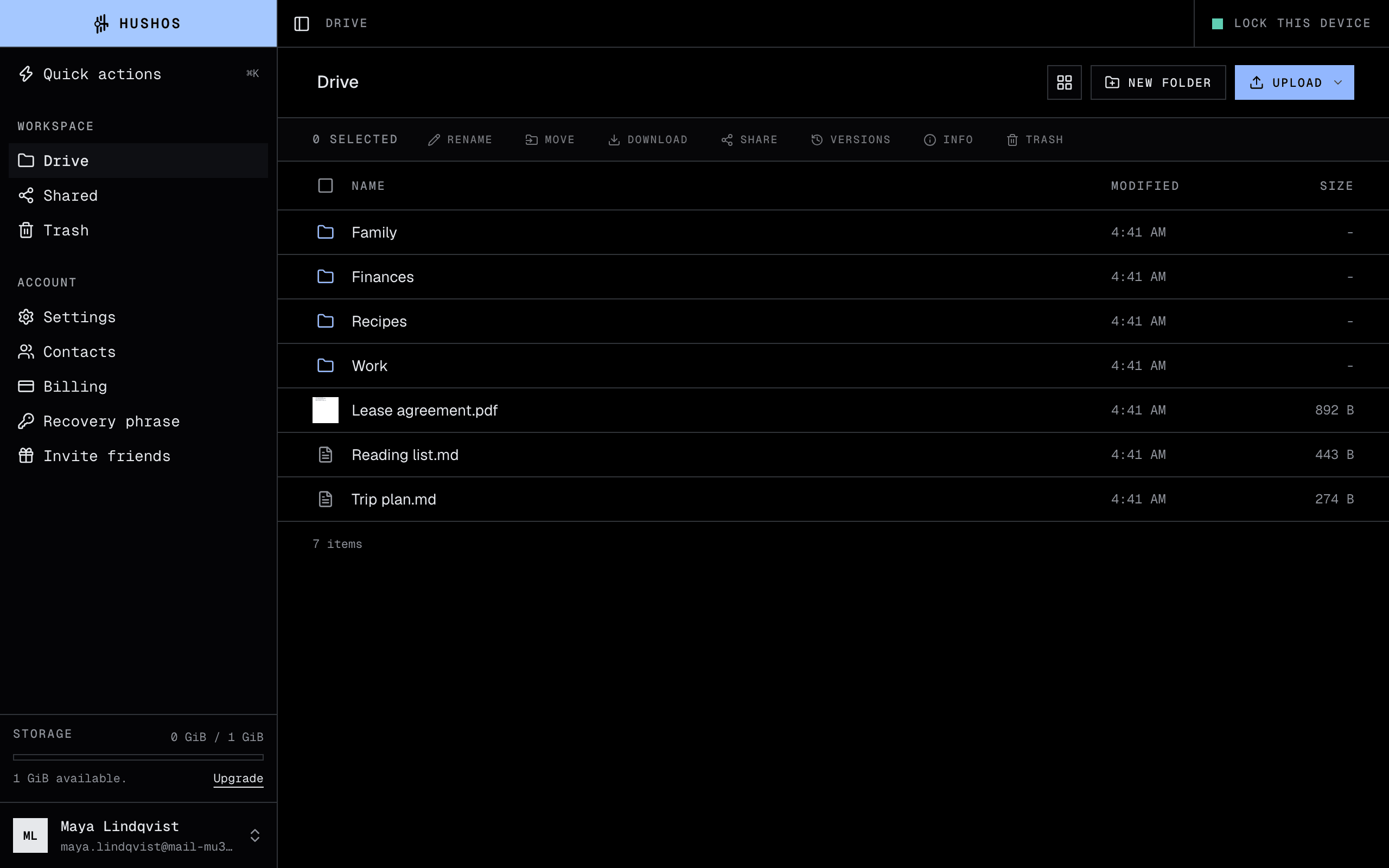
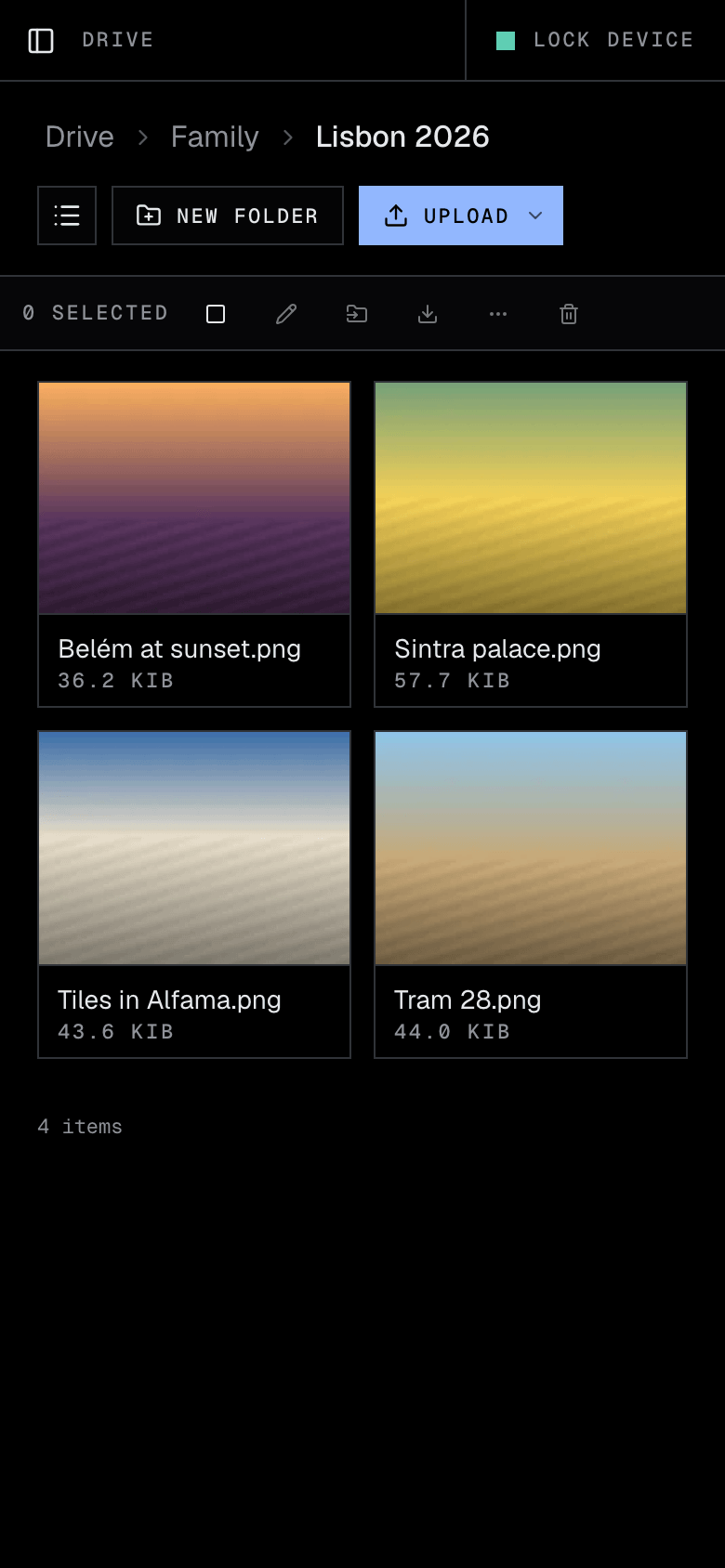
Drag, drop, done
Drop files or whole folders onto the page. Big uploads carry on if you close the tab and pick up where they left off when you come back.
Private storage · Simple to use
HushOS 1.0 is out · Read the announcementHushOS Drive keeps your files locked on your own devices, so nobody else can read them, not even us. It works like any drive you have used: drop files in, open them, share them. The privacy is built in, not bolted on for you to manage.
Drop files or whole folders onto the page. Big uploads carry on if you close the tab and pick up where they left off when you come back.
Open photos, PDFs, videos, music, Word and Excel files, and plain text right in the browser. Nothing is unlocked anywhere but on your screen.
Send a link, or share a folder with someone you know. Set a password or an end date if you like. Stop sharing whenever you want.
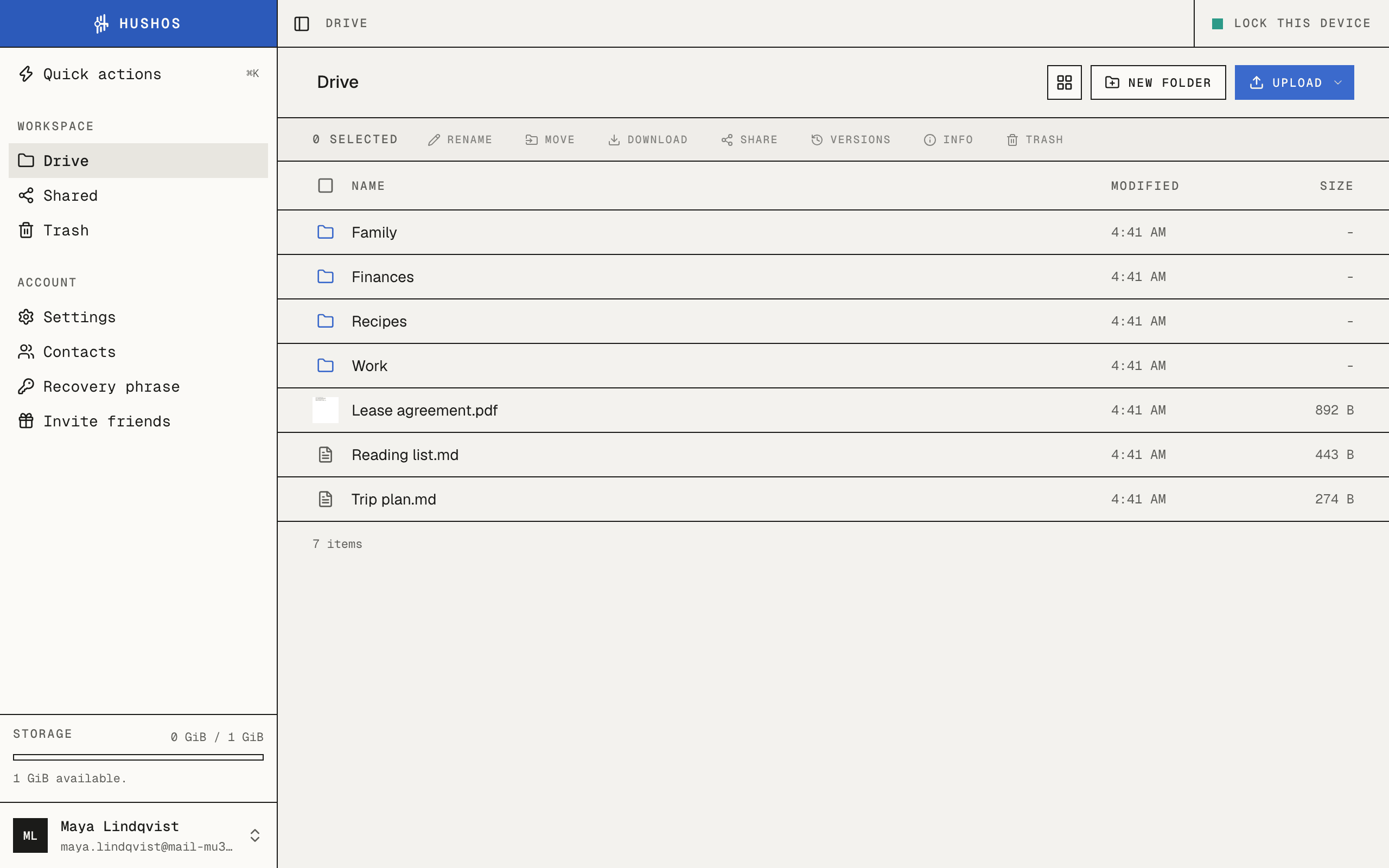
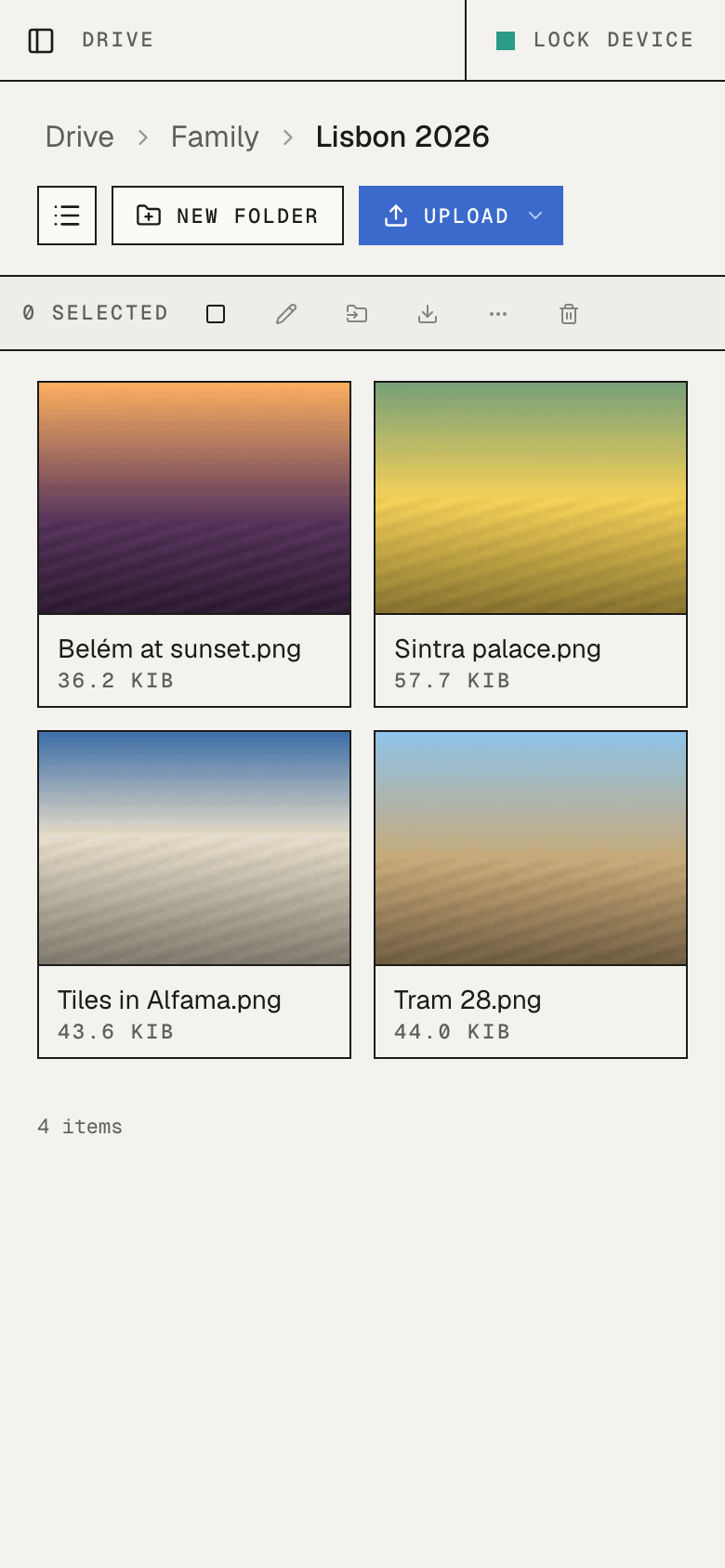
What you get
Most privacy tools ask you to learn their rules first: key files to keep, settings to get right, a second app to install. HushOS asks for an email, a password and one phrase to keep safe. After that, it is just your drive.
Organise your work the way you would anywhere else. Move things by dragging them. Rename, copy, and sort.
Images, PDFs, video and audio, Markdown, code, Word documents, spreadsheets and CSV files open in place.
A link opens in any browser, no account needed. Add a password, an expiry, or show it as a QR code.
Share a folder with someone as a viewer or an editor. They see it under "Shared with me" and can keep their own copy.
When you stop a share or a link, the folder gets new keys. Whoever you cut off cannot open anything, even what they saw before.
Deleted files go to the trash first. A file you replaced keeps its earlier version, so you can go back.
Add HushOS to your home screen and it behaves like an app, with the same files and the same protection.
If someone shares something with you that should not exist, you can report it and it is handled. Privacy is not a shield for abuse.
How it protects you
You do not have to take our word for any of this. HushOS is open source, so anyone can read the code, and the security page explains each step for people who want the detail.
Read the security modelPrefer your own server?
The same HushOS that runs here can run on a machine you control, for you, your family or your team. It takes a few commands, and the guide walks through each one.
Read the self-hosting guideTerminal
$ git clone https://github.com/HushOS/HushOS
$ cd HushOS
$ cp .env.production.example .env
$ docker compose up -d --build