HushOS 1.0 is live today at hushos.com.
It is a drive. You keep your files in it and share them, the way you would with any drive. The difference is that every file is locked on your own device before it goes anywhere. Only you, and the people you choose, hold the keys. Not us. Not our hosting provider. Not anyone who breaks in.
This post says why that matters, what you get today, the one catch, and what comes next. If you want the engineering behind it, that has its own post.
Why privacy, and why now
Most of what matters to you lives in files. Medical letters. The lease. The photos. The half-finished plans. The spreadsheet with the numbers you would rather not share.
For twenty years the deal has been simple: hand those files to a company, get convenience back, and let the company read them. Not a person, usually. Systems. Systems that sort you into buckets, decide what to show you, and sell the shape of your life to whoever is buying.
Two things have made that deal worse.
- Nothing is ever thrown away. Storage is cheap, so what a company collects about you is kept forever, in case someone finds a use for it later.
- AI learns from whatever it can reach. A file a company can read is now a file its systems can study, summarise and search. You did not choose those systems, or the people who own them.
You do not have to be hiding anything to mind this. You only have to want your own things to stay your own. That is what privacy means. Not secrecy. Ownership.
The trouble is that privacy tools have made this hard:
- Key files to keep safe.
- Settings to get right.
- A second app to install.
- A warning on every screen.
Most people look at that and, reasonably, go back to whatever was easy. And the easy thing reads their files.
What we set out to do
The goal of HushOS fits in one sentence: make the private choice the easy choice.
That means building something a person with no interest in technology would pick because it is pleasant to use. And keeping it private because that is how it is made, not because they found a setting.
- No setting to find.
- No key file to lose.
- An email, a password, and one recovery phrase written down once.
- After that, it is just your drive.
It also means being honest about the cost. Because we cannot read your files, we cannot recover them if you lose both your password and your phrase. We say that on the sign-up page, on the security page, and here. It is the one trade for real privacy, and we would rather you know it now than find out later.
- Your files
- Locked on your device before they leave it
- Your password
- Never sent to us, not even a scrambled version
- The keys to your files
- Made on your device. They never reach us
- The code
- Public, for anyone to read or run
- The catch
- Lose your password and your recovery phrase, and nobody can help
What version 1 means
We do not use version numbers loosely. 1.0 means three things: the product is whole, people other than us have tested it, and we will not take features away from under you.
What you get in 1.0:
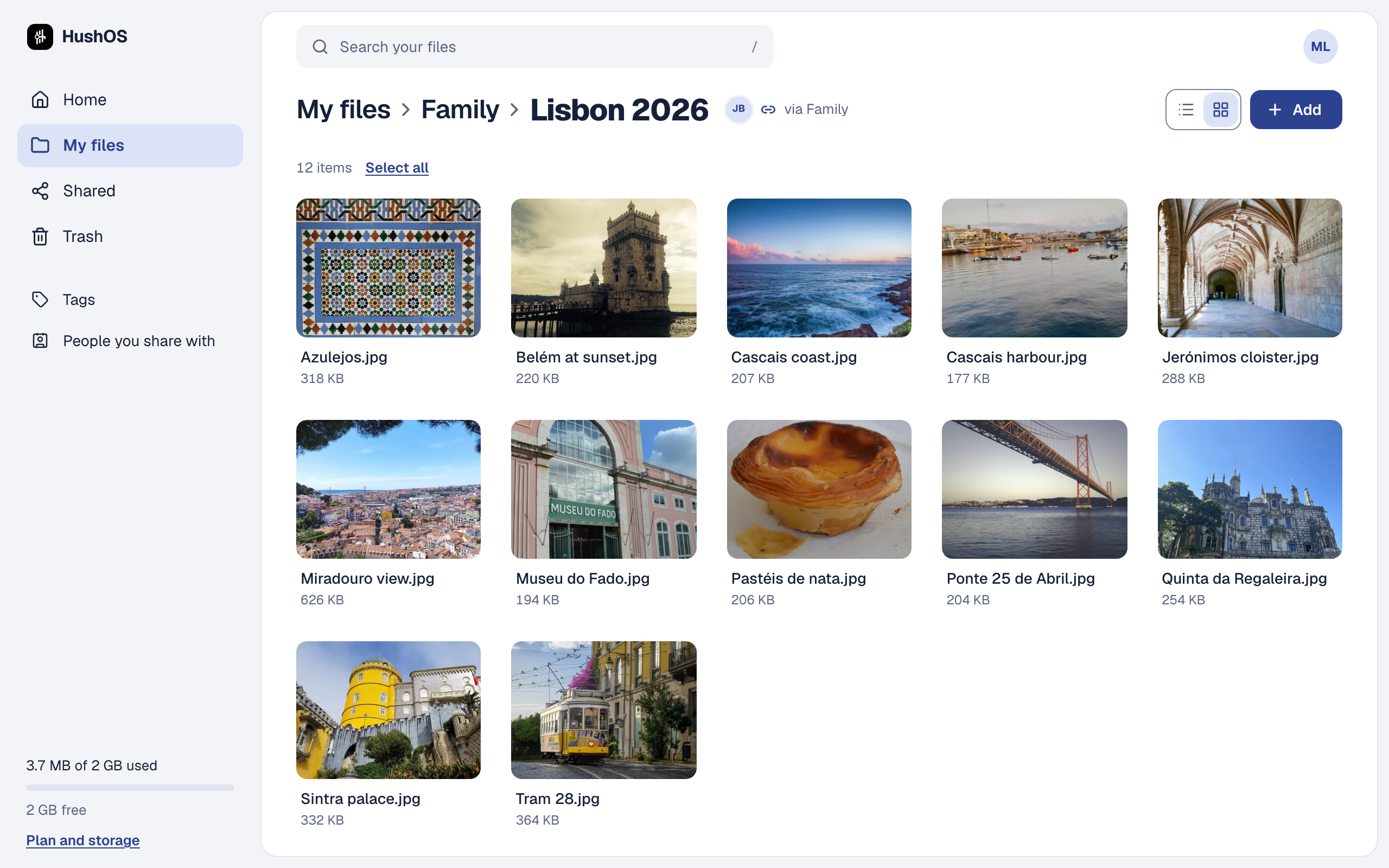
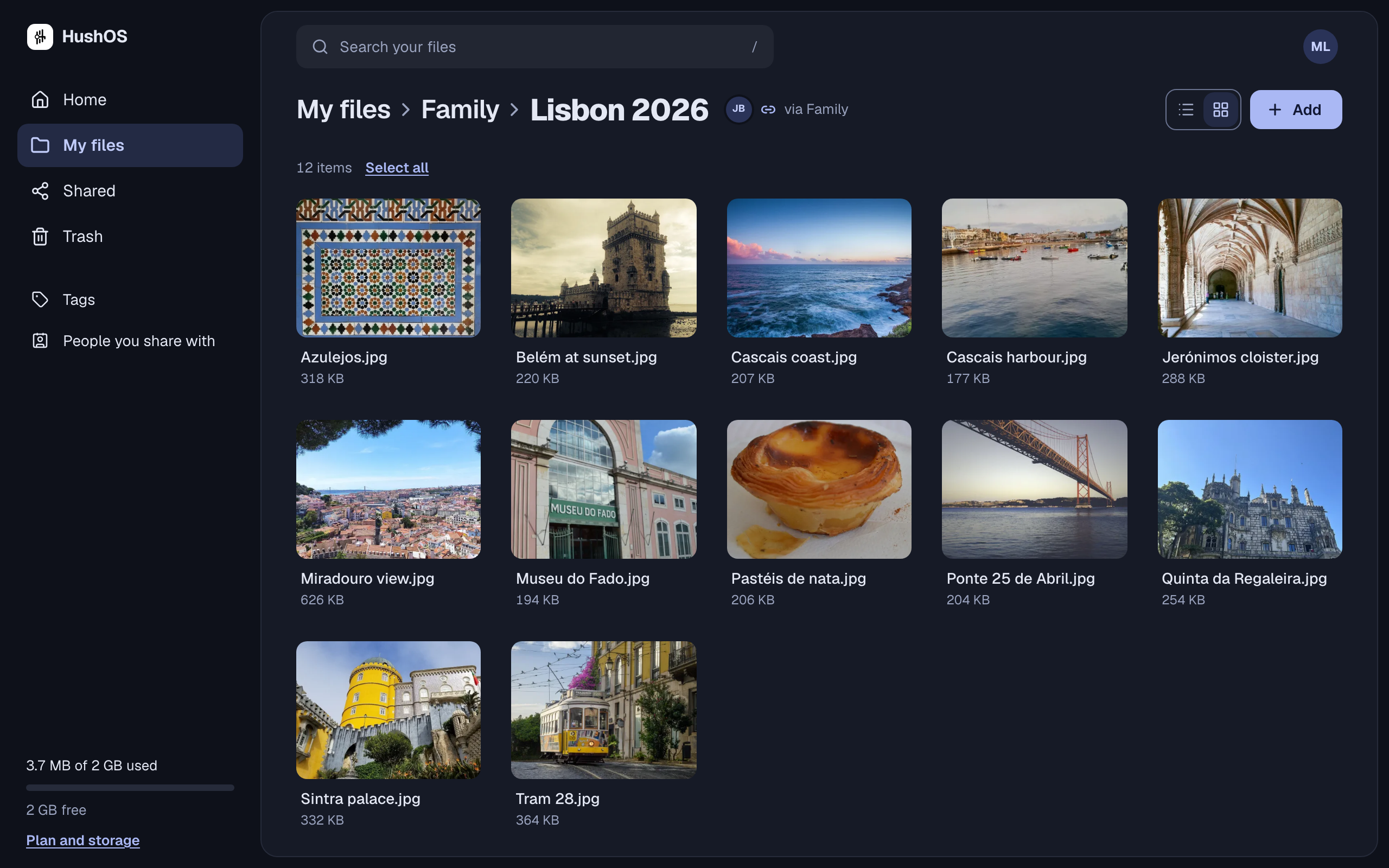
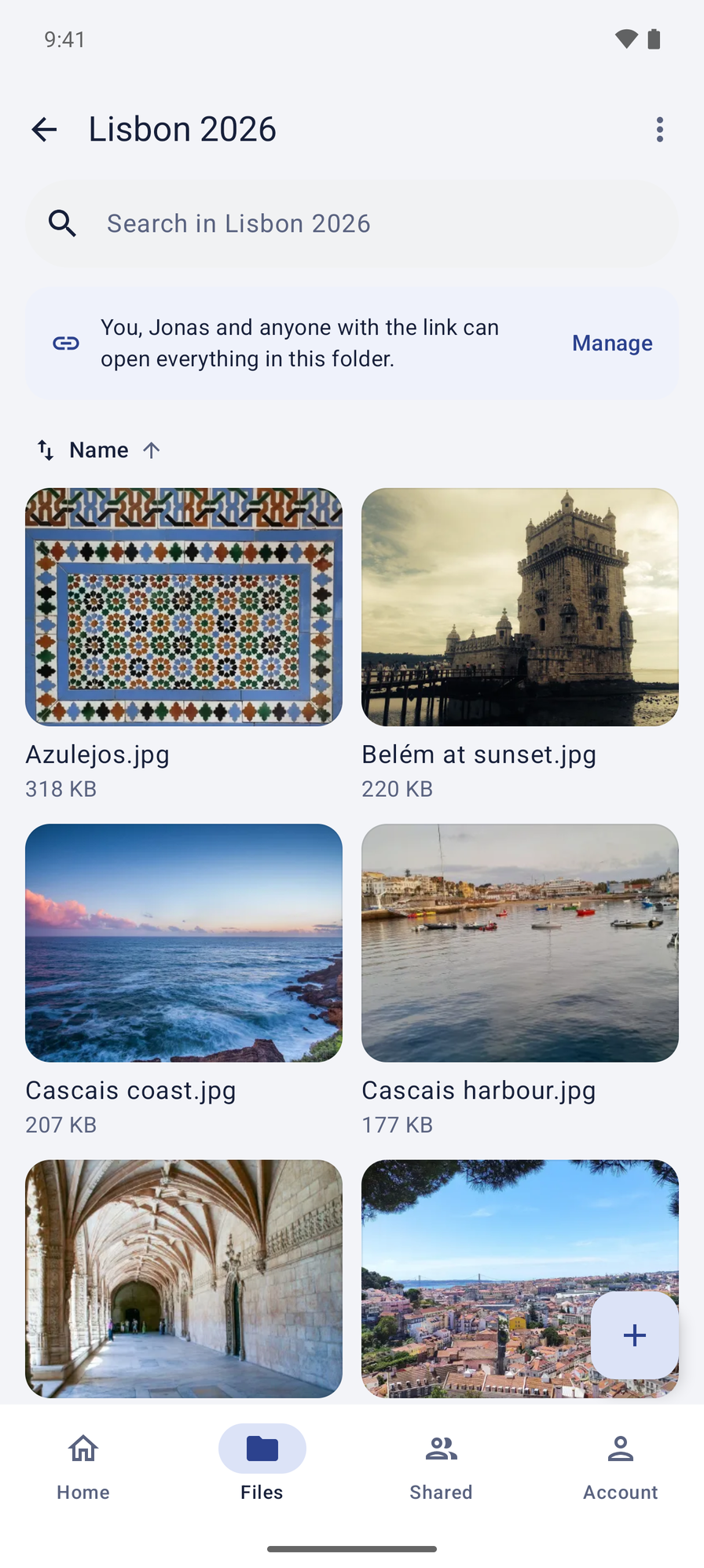
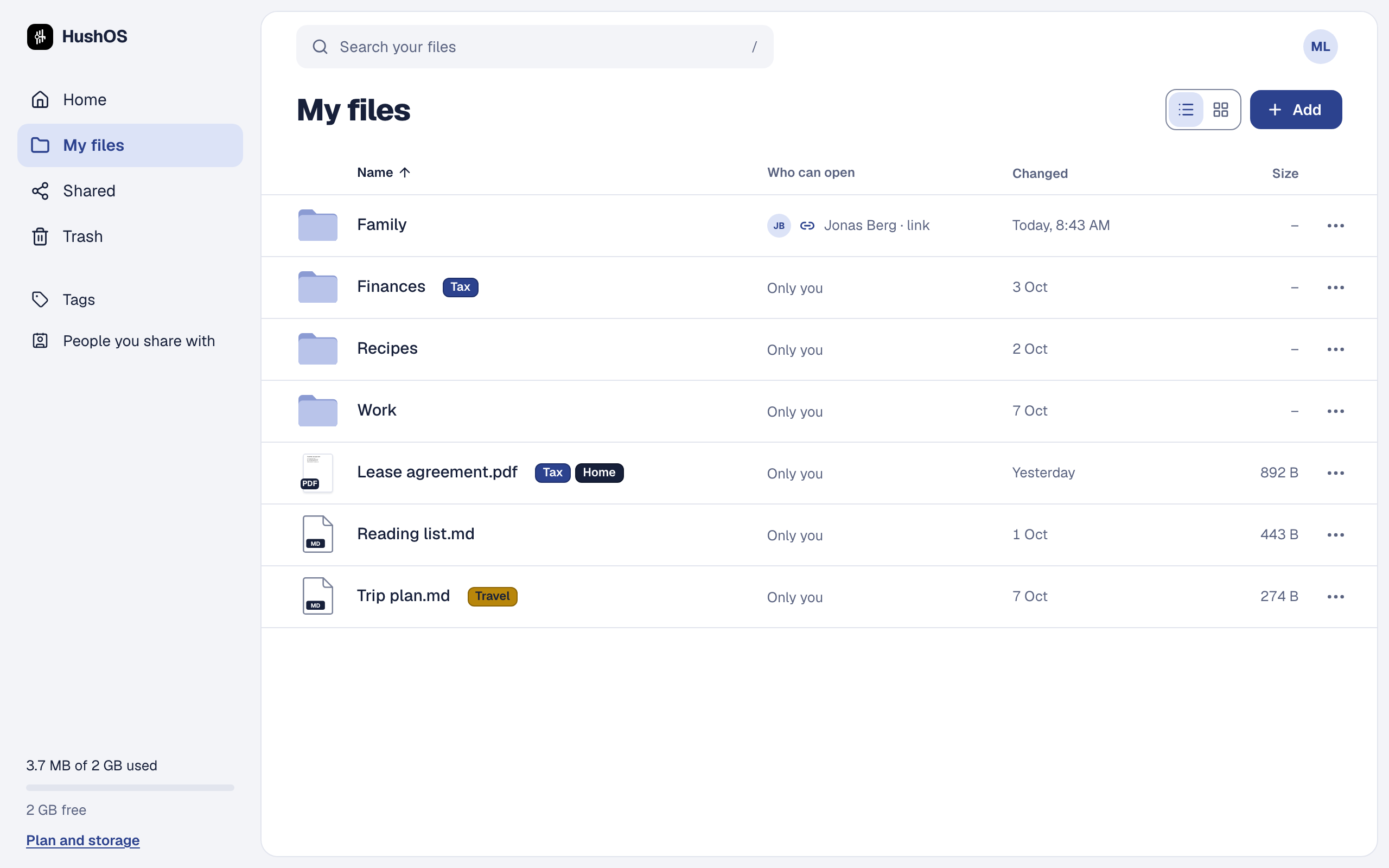
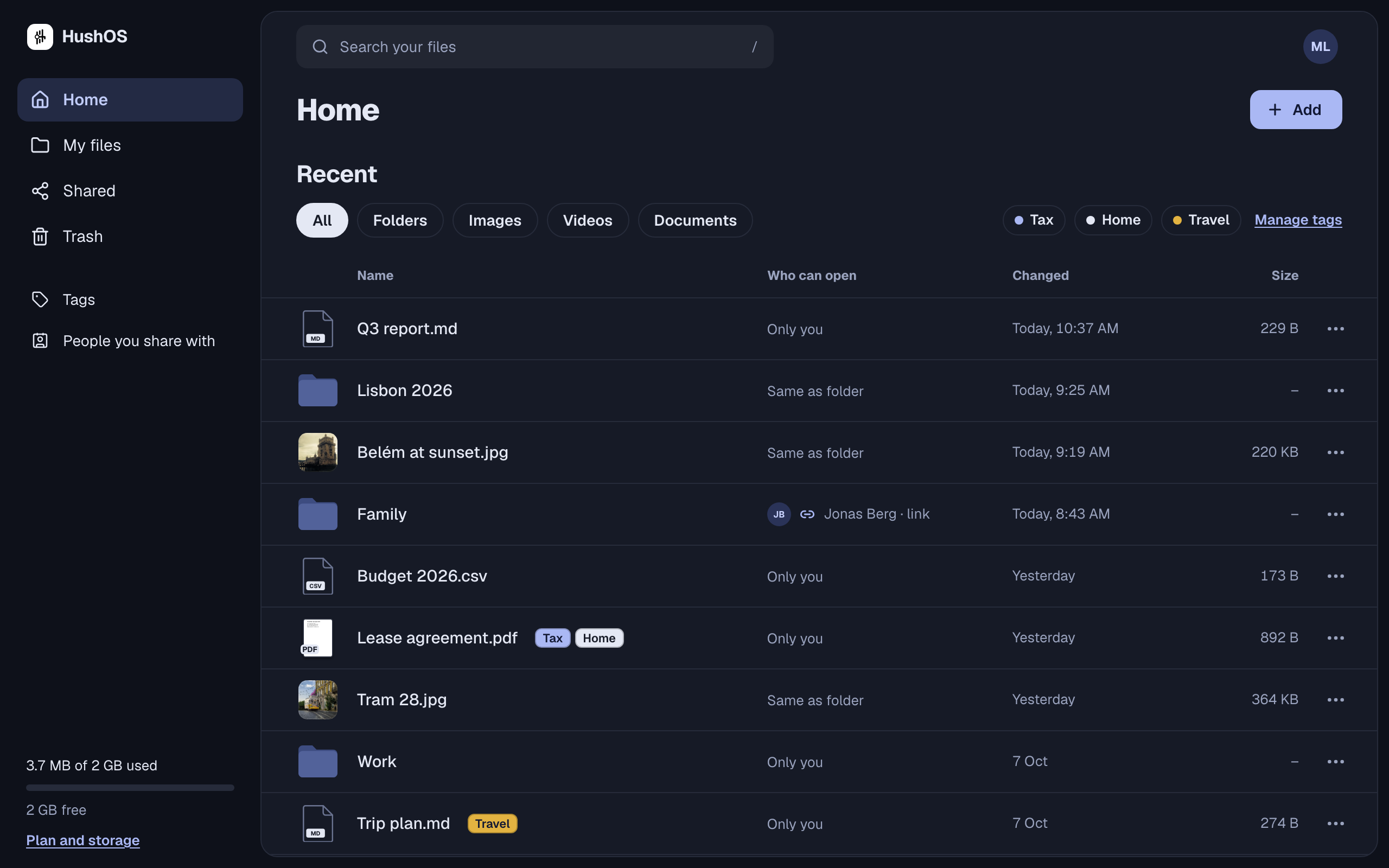
- Files and folders, with drag and drop, copies, sorting, and a grid view with thumbnails. Uploads resume if you close the tab; big files go up in pieces and finish where they left off.
- Previews for photos, PDFs, video and audio, Markdown, code, Word documents, spreadsheets and CSV files. Everything opens on your device; nothing is unlocked anywhere else.
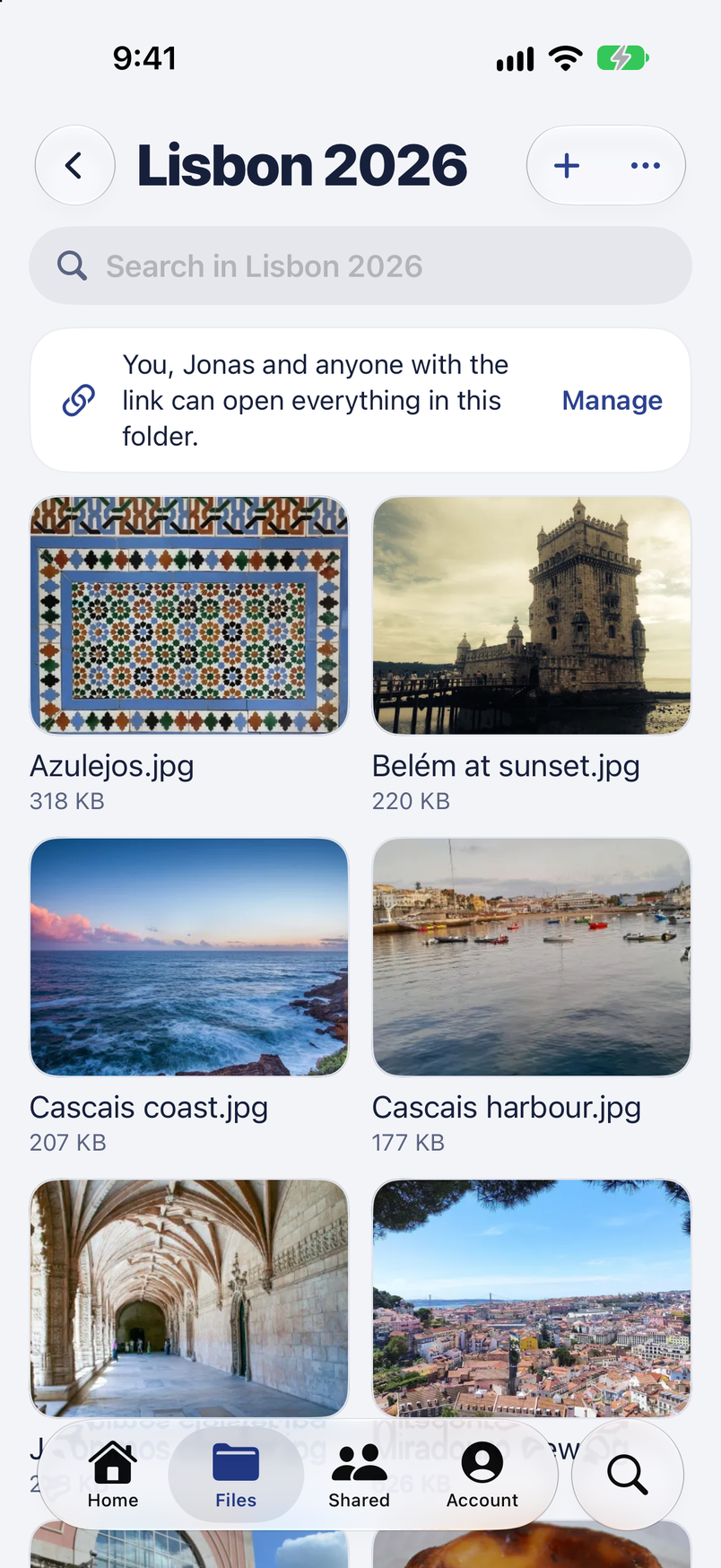
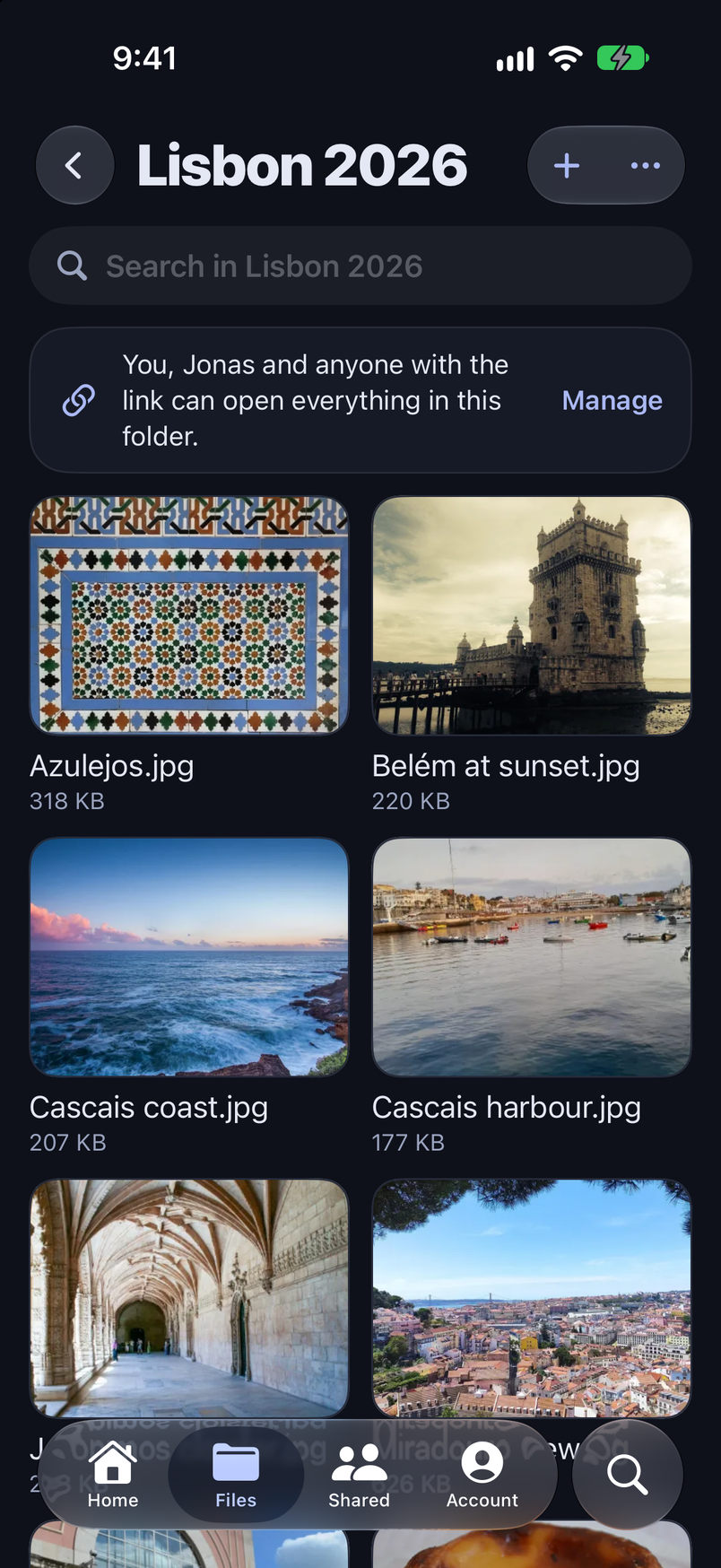
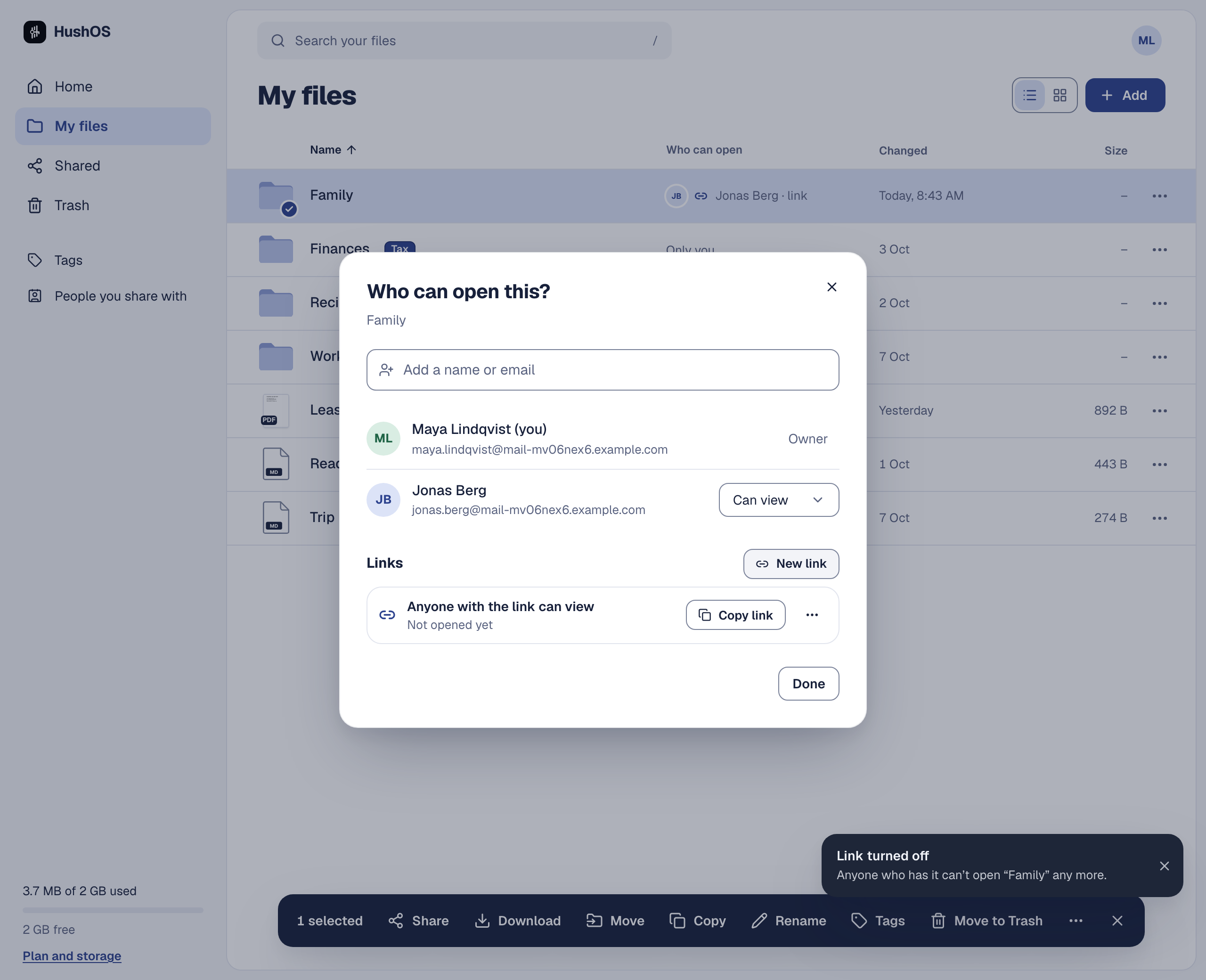
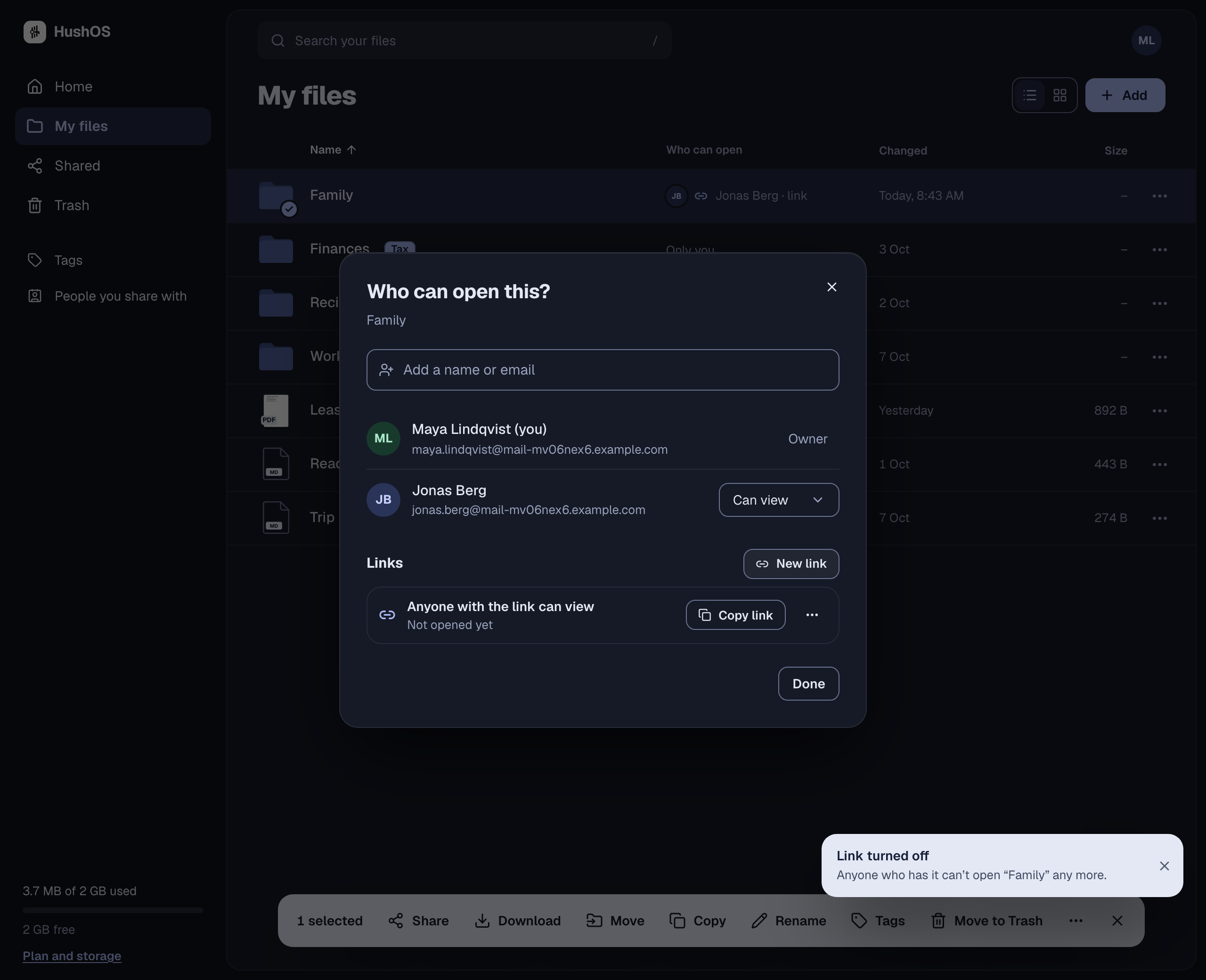
- Sharing with people you know, to view or to edit. They see it under "Shared with me" and can keep their own copy. What you share is locked for that one person, in a way built to hold up even against the computers of the future.
- Links for anyone, no account needed, with an optional password and expiry. Show it as a QR code if you like.
- Stopping a share that actually stops. When you cut someone off, they are refused on their next request, and the folder's keys change, so nothing added or changed afterwards opens for them. What they already downloaded stays with them.
- Versions and trash, so a mistake is not the end of anything.
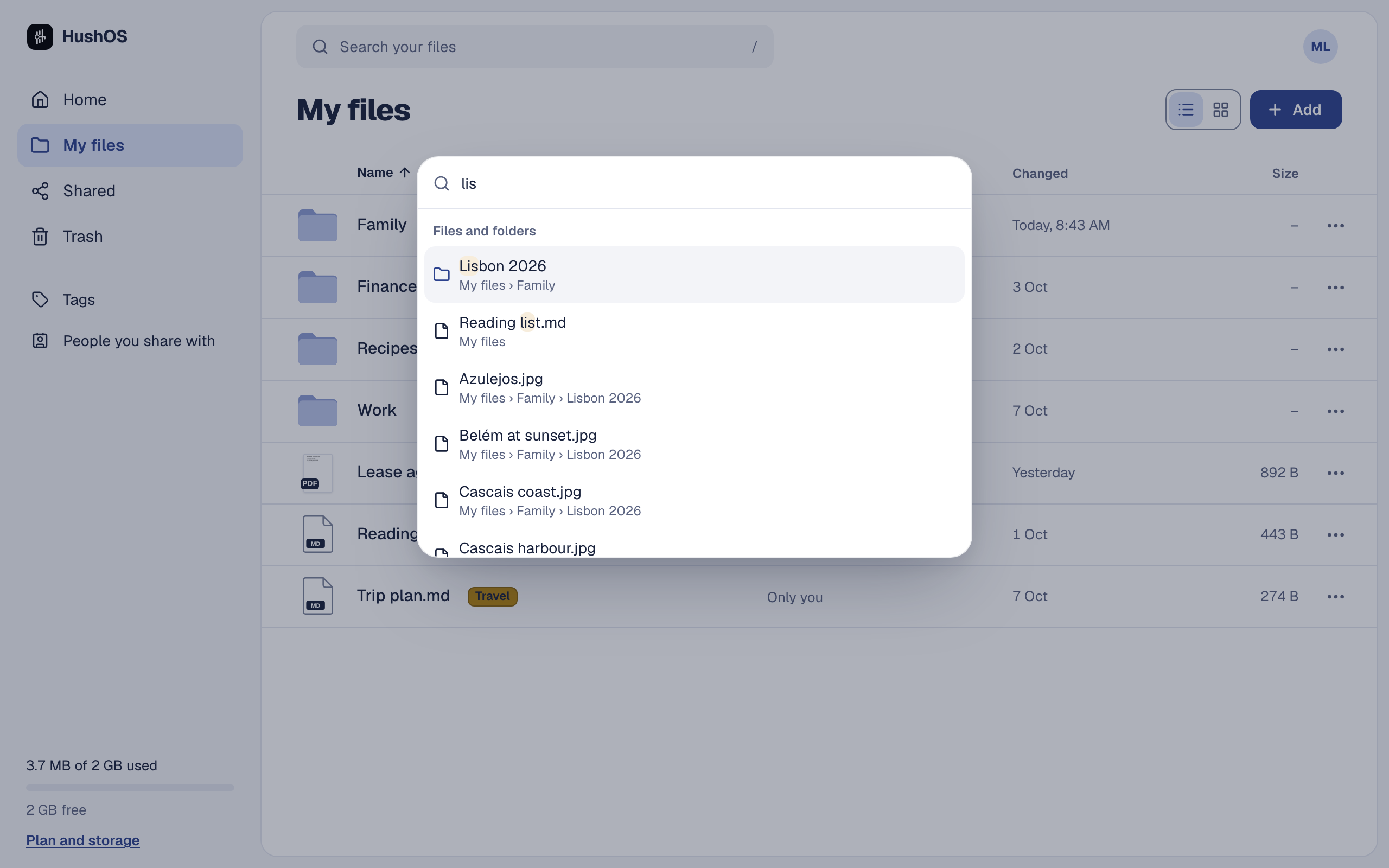
- Search and tags. Press
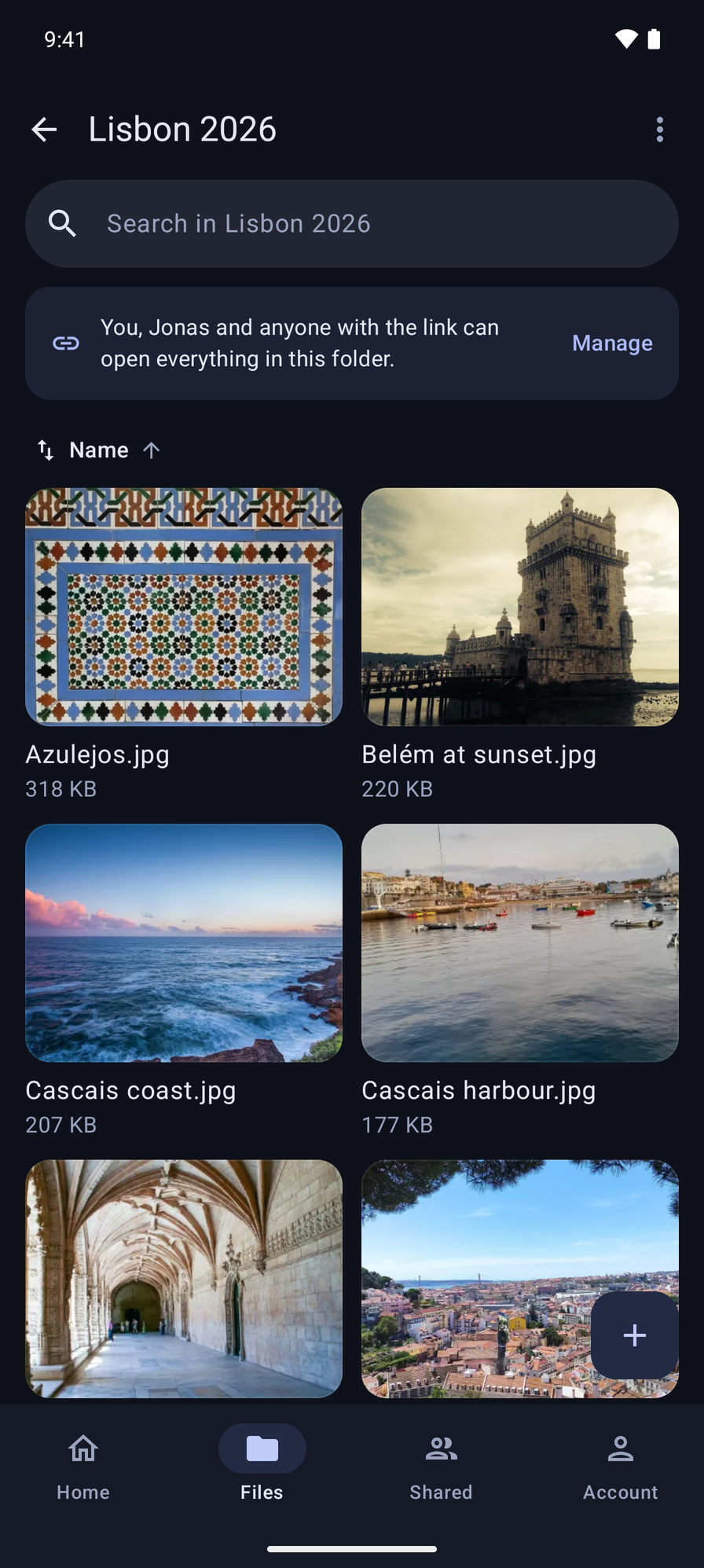
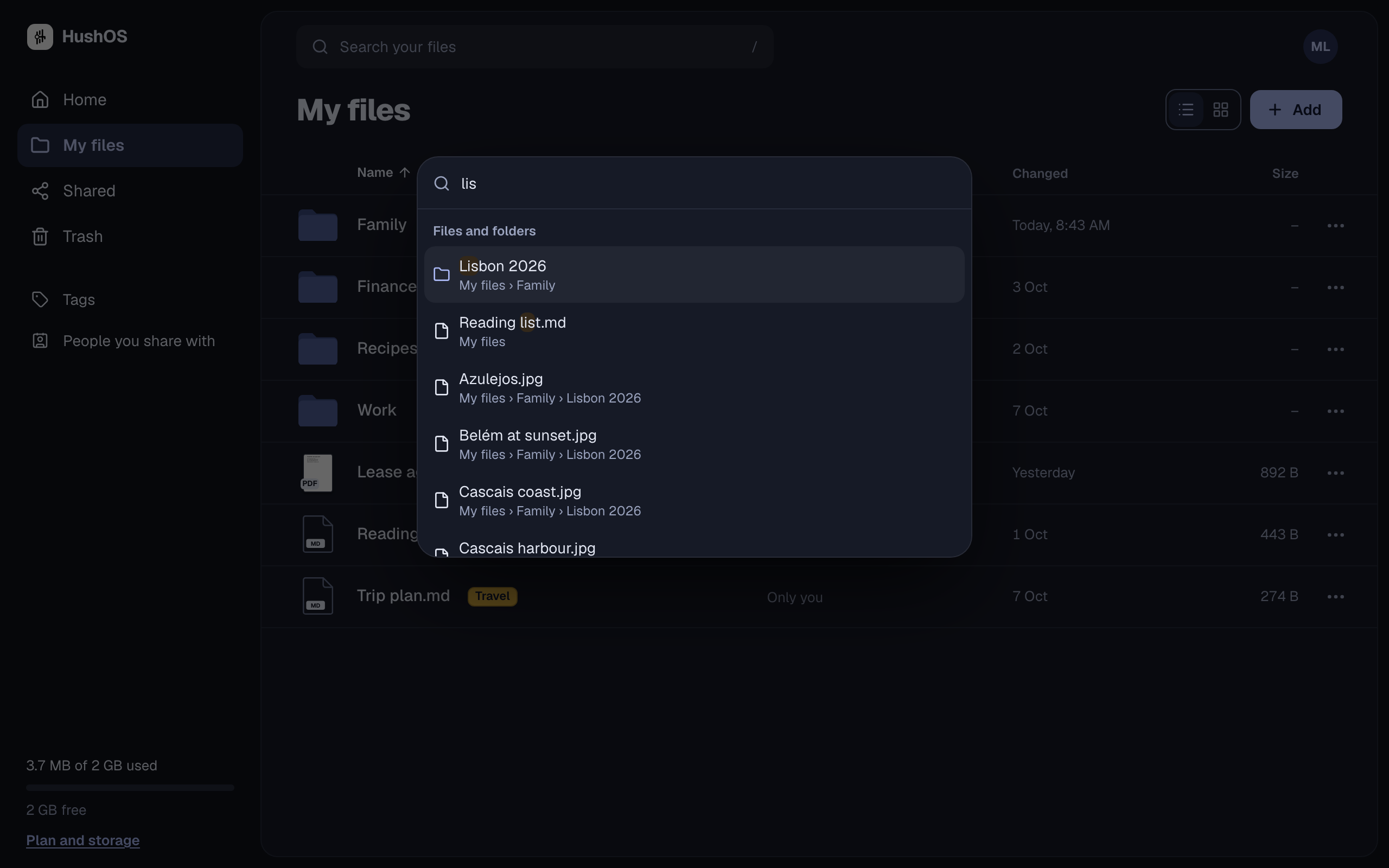
/and type; files and folders turn up as you go. Put a word and a colour on anything and find it by that too. Both happen on your device, so nothing you search for ever reaches us, and the people you share with never see your tags. - Apps for iPhone and Android, built and being prepared for the App Store and Google Play: the same folders, sharing and links, files kept on the phone to open without a connection, and HushOS in the Files app. They are not in the stores yet.
- Reporting, because privacy is not a shield for abuse. More on that below.
It runs two ways:
- At hushos.com. The free plan gives you two gigabytes, and every friend you invite earns you both more. Paid plans add space and nothing else.
- On your own server, for free. The guide walks you through it.
Same code, either way.
Built twice
HushOS is not our first attempt. We built an encrypted drive before this one, found the places where it cut corners, and started again with every one of them written down as a rule and a test before it became code. That is why 1.0 is whole rather than merely finished.
The details are for people who like details: how HushOS 1.0 was built.
Fighting bad actors
Anything that lets people share files privately will be tried by people with bad intentions. We built for that from the first day.
Private storage cannot reach anyone. Some material is harmful the moment it exists; the harm was done to a real person by whoever made it, and no storage design undoes that. What a service can stop is the spread, and spreading needs an audience. On HushOS an audience means a share or a link, and that is where every tool below applies.
Anyone with access can report. Every link page and every shared folder has a report button. When you report something, your browser hands the people who run the service a way to open that one item. They can look at exactly what you reported and nothing else. This is the only way an operator ever sees content, and it is opened by a person who had legitimate access, never by us on our own.
Reports are acted on. A report takes a snapshot of what was shared and holds the bytes, so deleting the evidence does not make it disappear. Operators can:
- remove the content and stop every share and link to it;
- suspend the account that uploaded it;
- for material the law requires us to report, file it with the relevant authority, with the evidence the law asks for.
The evidence cannot be tampered with. Copies of reported material go to a separate, write-once store that the application itself cannot delete from.
We do not become a surveillance service to do this. We do not log the network addresses of people who upload, share, or report. We do not scan your files, because we cannot. What we can do is act quickly and completely when someone who had access tells us something is wrong. That is enough to keep the place clean without watching everyone in it.
What comes next
Drive is the first room in a bigger house. The same keys, the same care, and the same refusal to make you do homework are coming to the rest of what people do every day:
- Desktop apps, so HushOS lives in your computer's file manager the way it does in the phone apps.
- Messages, private the way your files are private, with the people already in your contacts.
- Notes and documents, written and kept under the same keys.
- The rest of a productivity suite, one piece at a time, each arriving whole and documented the way Drive did.
The code is on GitHub, and this blog is where each piece will be announced.
Questions people ask
Thank you for reading this far.
Corrected 18 October 2026: this post first listed the iPhone and Android apps as part of 1.0, with saving to HushOS from any app's share sheet. The apps are built but not yet in the App Store or Google Play, and saving from the share sheet is not built. It also said someone cut off from a share could not open the parts they had already seen; what they downloaded stays with them, and what is added or changed afterwards is sealed to new keys. The list above now says so.