HushOS is on the App Store and Google Play from today. Your files, your folders and your family come with you to your phone, and every file is still locked on the phone before it uploads, as on the web.




What the apps do
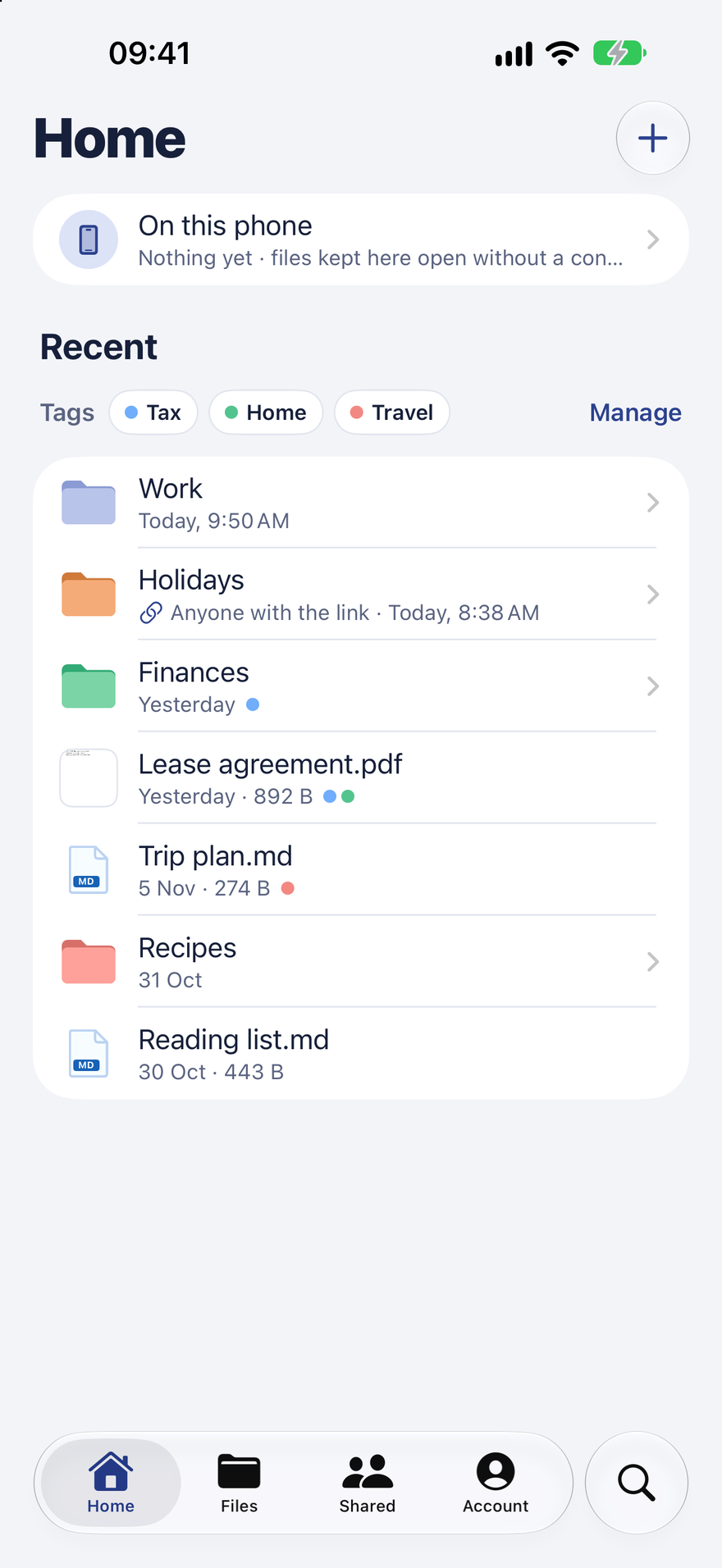
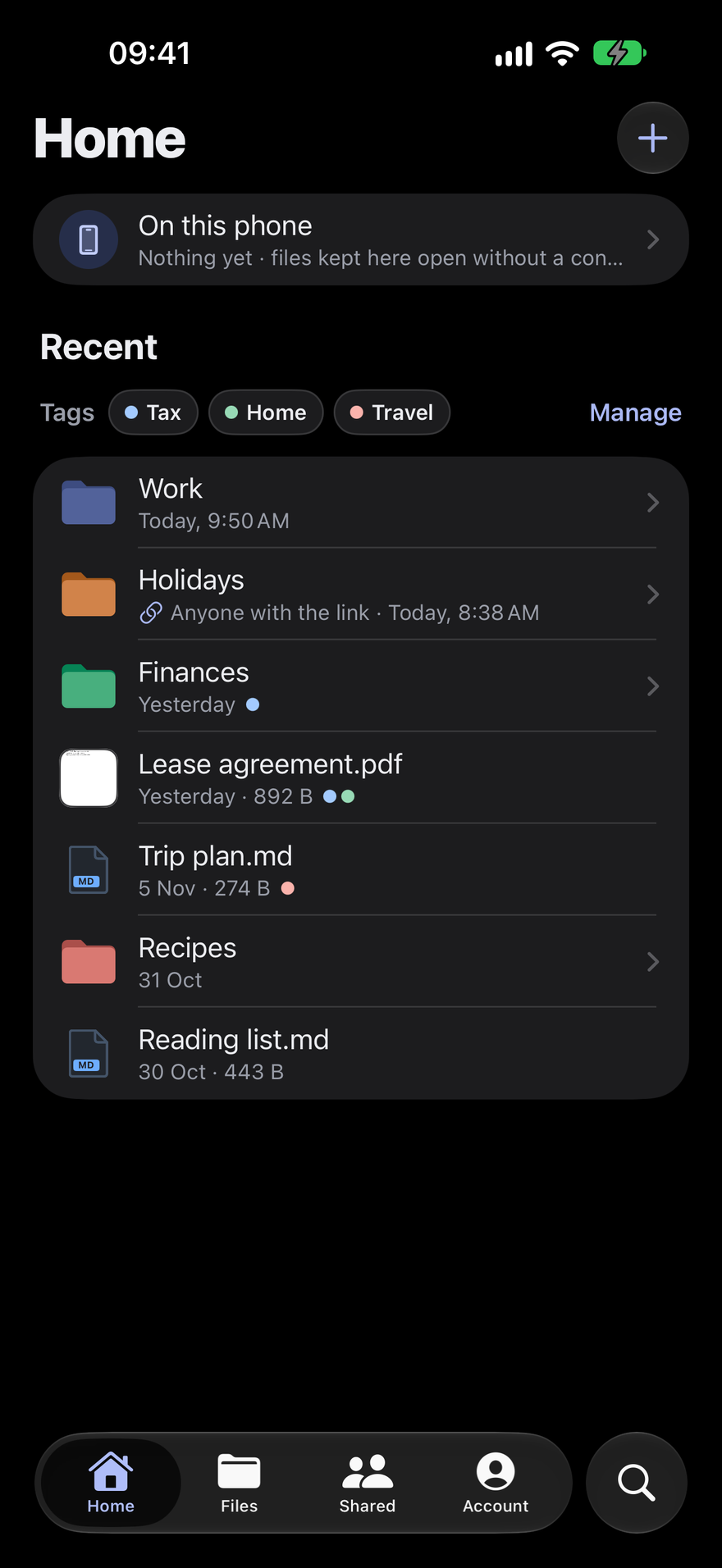
The apps are HushOS, not a viewer for it. They open the same account as the web, with the same keys, and they do what you'd expect a drive to do:
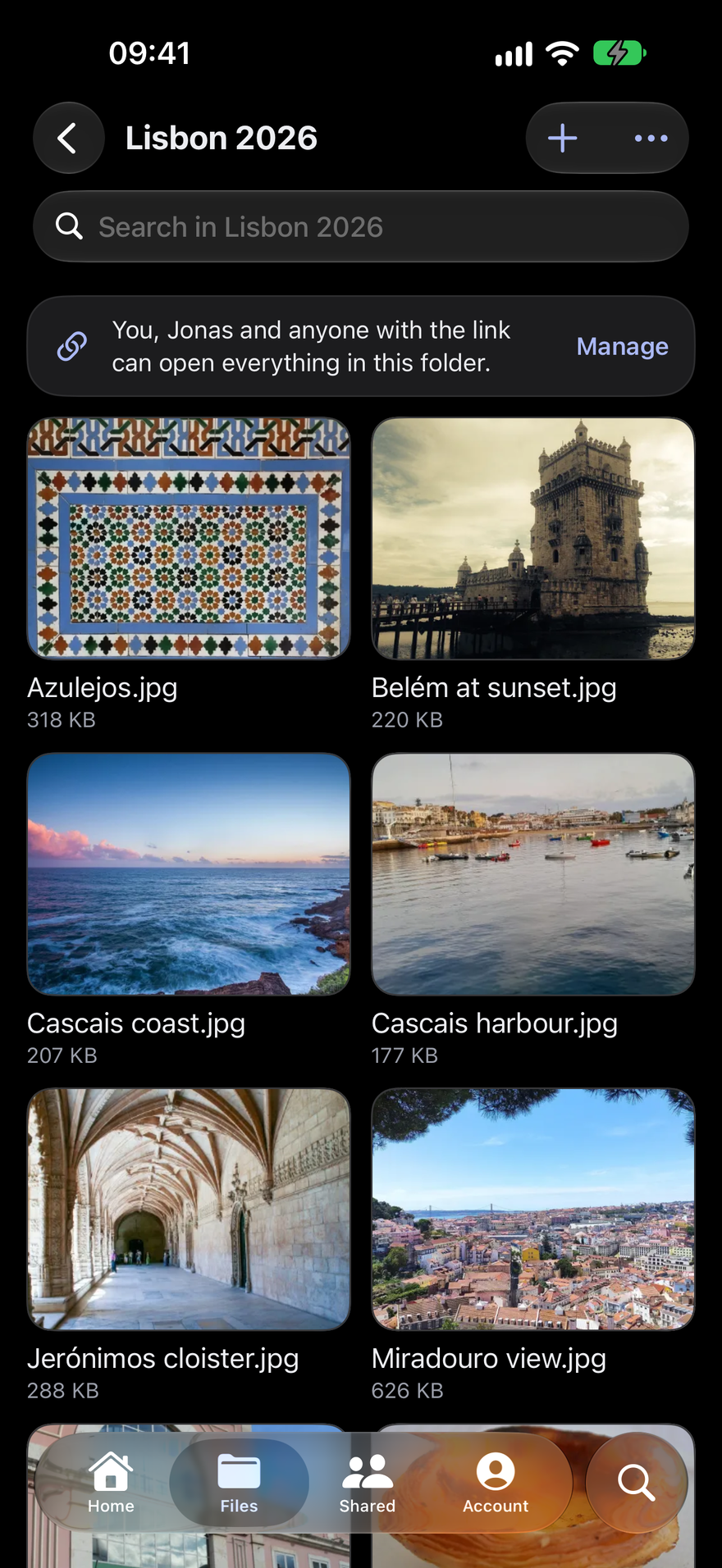
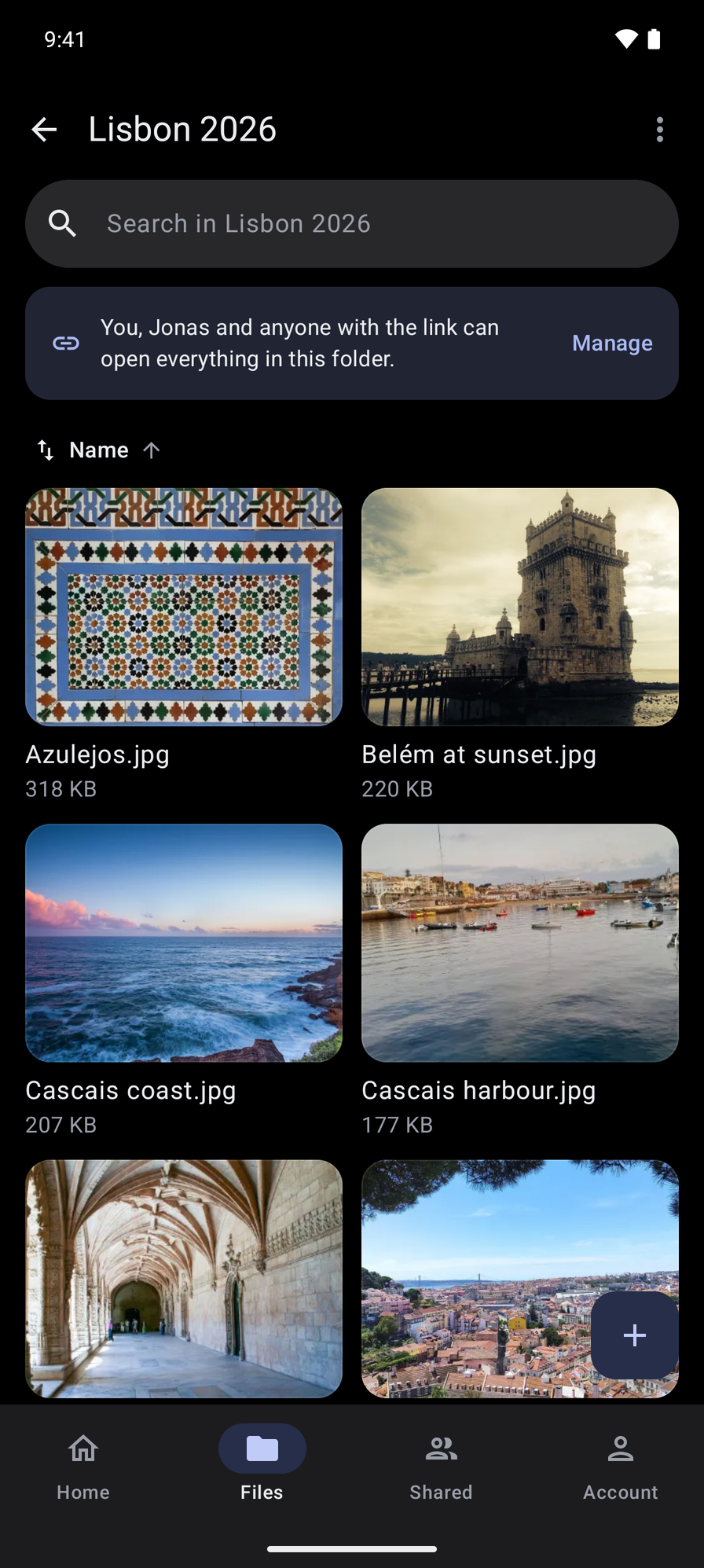
- Your folders and files: browse, search, upload, move, rename, copy and trash, with the same colours and tags as on the web.
- Sharing and links: share a folder with someone you've added, or make a link, with a password if you like.
- Families: the family folders sit beside your own. Managers can invite people, let them in and change roles from the phone.
- Files kept on the phone: keep a file or a folder, and it opens without a connection.
- The phone's own Files app: HushOS shows up there as a location, so other apps can open and save into it.
- Save to HushOS: share a file from another app straight into a folder.
- Take photo and Scan document: the + button takes a photo, or scans paper into one PDF, edges found and pages straightened.
- Make your account: confirm your email, choose a password and save your recovery kit, all in the app. That arrived in version 1.2.
Each app looks like it belongs on its phone: system menus, sheets and search, on iPhone and on Android, with HushOS's own folders, marks and colours.


What they don't do yet
- Choose or change a plan. That happens on the web.
- Edit documents. Files open in the phone's own viewers. Editing in the browser is on the roadmap.
- iPad. The iPhone app is for iPhone only, for now.
What they keep to themselves
The apps carry no analytics, advertising or tracking.
Your files are decrypted only on the phone, into the app's private storage. Signing out removes everything of yours from the phone, and the apps keep your files and lists out of the phone's backups.
One thing is worth saying plainly. On Android, Scan document opens Google's document scanner, which Google Play services runs on the phone. The pages come back to HushOS as a PDF and are locked before they leave the phone. The scanner's code in the app would report usage to Google, and we switch that off, so the app sends Google nothing. Google Play services itself is Google's software and works under Google's privacy policy. On iPhone, scanning is Apple's own document camera, on the phone.
Getting them
- iPhone: on the App Store, for iOS 26 and later. Each release on GitHub also carries an unsigned IPA, with its checksum, for sideloading with AltStore or SideStore.
- Android: on Google Play, for Android 10 and later. Each release on GitHub also carries the APK, with its checksum, if you'd rather not use Google Play.
Both apps are open source, like the rest of HushOS, and both can sign in to your own HushOS server: the gear on the sign-in screen takes its address.