Nobody else can look inside.
HushOS Drive works like the drive you already use, except everything is locked on your device first. We can’t open it. Neither can anyone else.
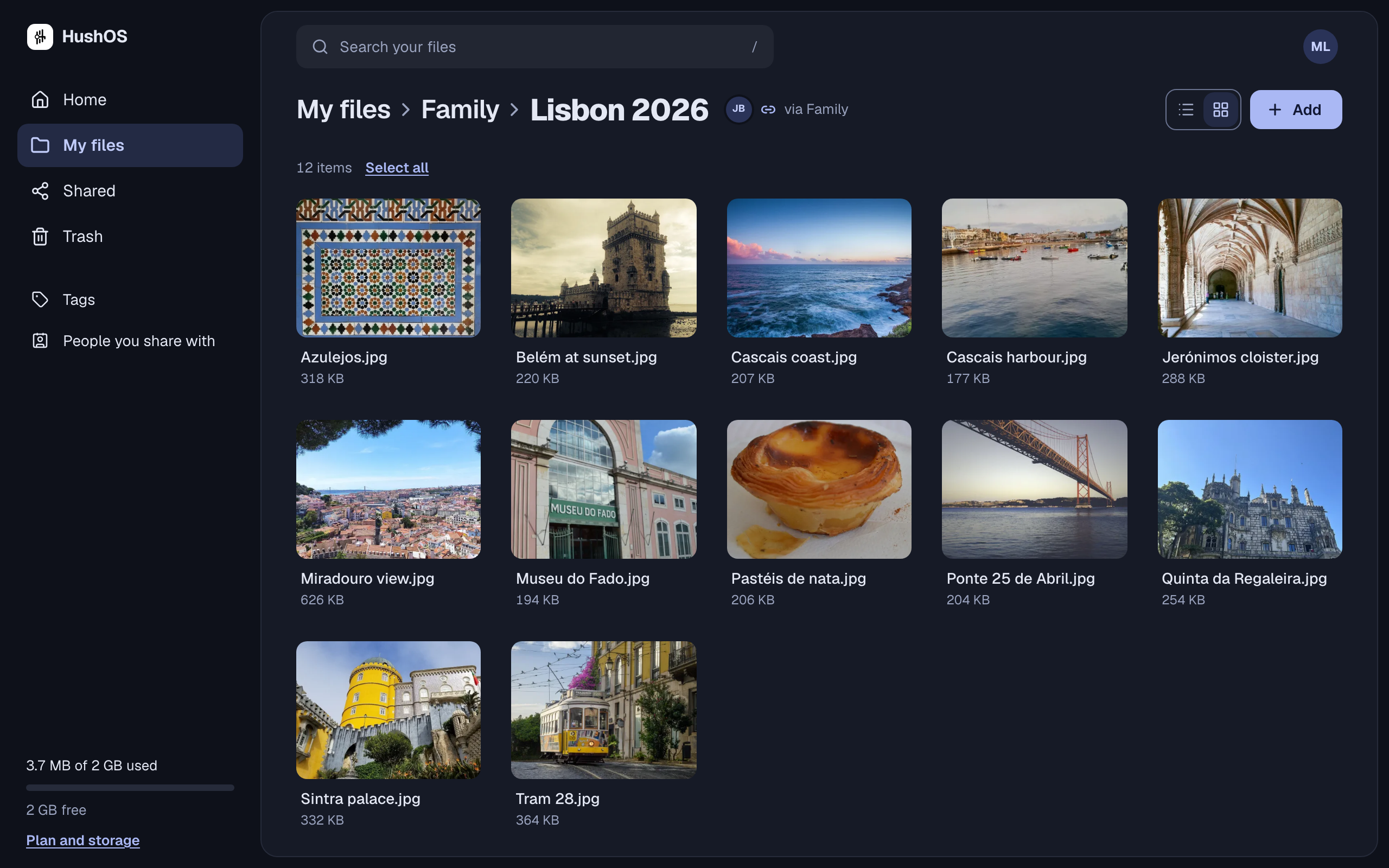
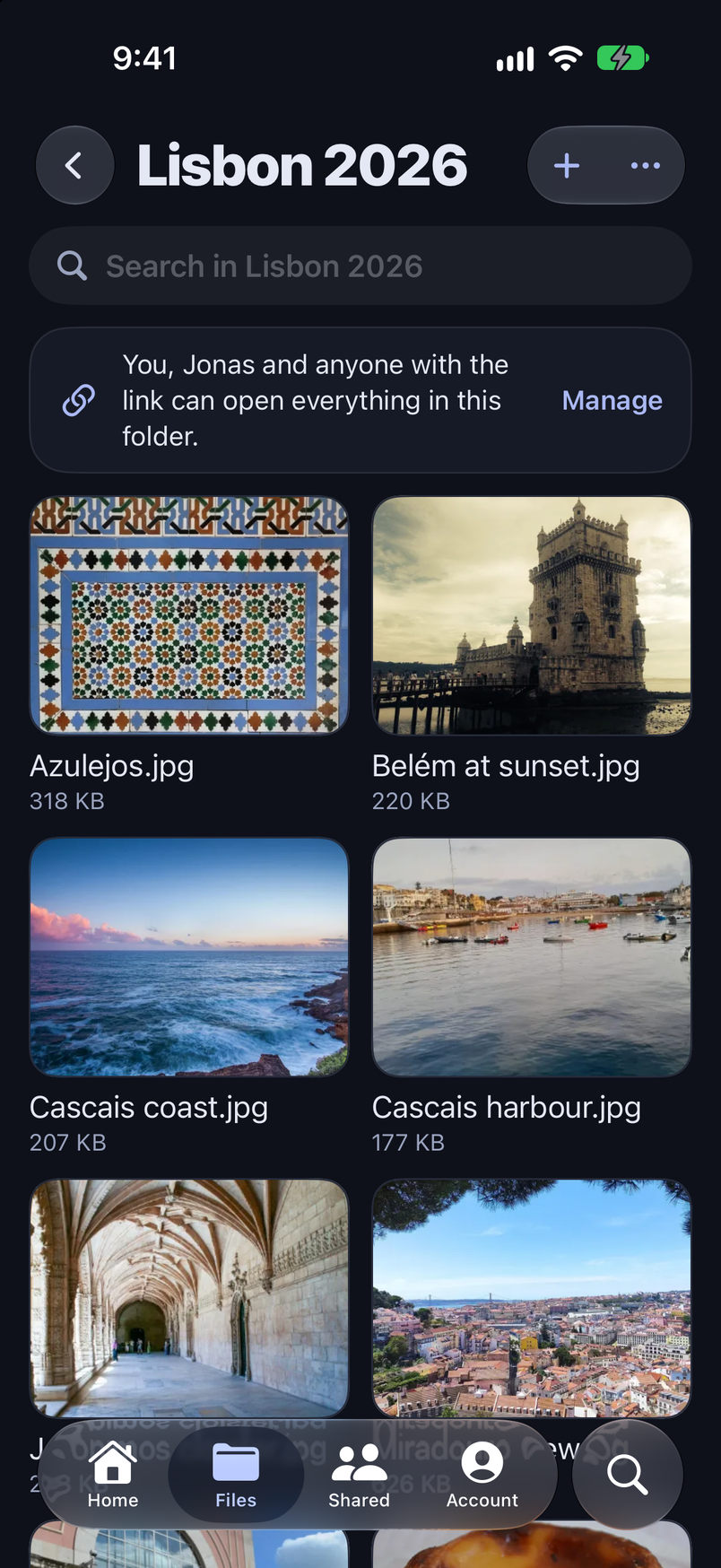
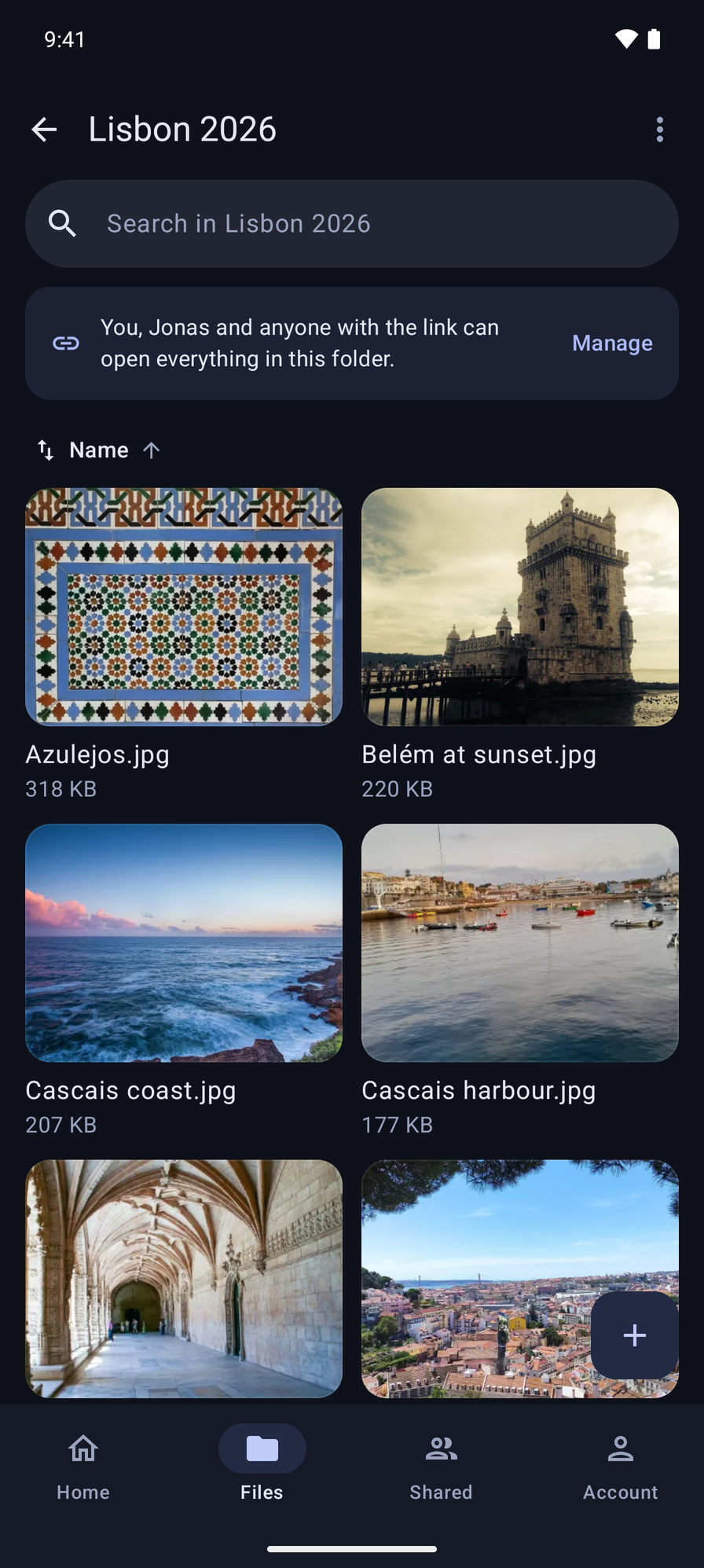
On every screen
Your drive in a browser and in the apps for iPhone and Android, the same everywhere.
Opens right there
Photos, PDFs, video and Office files open right there in HushOS.
Nothing lost by accident
Deleted things wait in the trash for 30 days, and replacing a file keeps the one before.
You can see who has access
Every file and folder says who can open it: only you, the people you chose, or anyone with the link. Stop sharing, and what you shared stops opening for them.
Kept in the EU
The service we run keeps its servers and your files in the European Union. Or run HushOS yourself and keep it wherever you like.
Open for anyone to check
All of HushOS is open source under the AGPL: the app and the server. Anyone can read how it works, and anyone can run their own.
How it works
You don’t have to take our word for it. The code is public, and the security page goes through every step, in plain words first.
How we protect your files- 1You add a fileYour phone or computer locks it before it goes anywhere. The key to that lock is made on your device and stays with you.
- 2We keep itWhat reaches us is scrambled. We can store it and hand it back, but we can’t open it, and neither can anyone who breaks in.
- 3You open it, or someone you chose doesIt is unlocked on the screen in front of you and nowhere else. Sharing gives that one person their own key, from your device to theirs.
- 4If you forget your passwordThe recovery kit you saved when you signed up gets you back in. Without it nobody can, including us. That is the one trade for real privacy.
Run it on your own server, for free.
The same HushOS that runs here can run on a machine you control, for you, your family or your team. It takes four commands, and the guide walks through each one.
Read the self-hosting guide$ git clone https://github.com/HushOS/HushOS
$ cd HushOS
$ cp .env.production.example .env
$ docker compose up -d --buildFrom the blog · 18 September 2026
HushOS 1.0Questions people ask
Try it with your own files.
Free to start, no card needed. Pay only if you want more room.